How-to

Open a Trados package on a Mac. Without Trados.

A client sends a .sdlppx. Trados Studio is Windows-only, and the Mac answer has always been a virtual machine you did not want to buy, run or maintain. It is three steps on macOS now, and none of them need Trados installed.

.sdlppx in · .sdlrpx out

First, what it actually is

A .sdlppx is a zip with a project inside it.

Take a copy, rename it to .zip, and open it. Inside are the bilingual SDLXLIFF files, the translation memories the client wants you to work against, the termbase, and a project file telling Studio how to assemble the whole thing. None of it is encrypted and none of it needs a Trados licence to be read. Assembling it into a Studio project is the part Trados does, and that is the part a Mac can do differently.

Three steps.

Unpack, translate, repack. What goes back is the return package your client's Studio expects.

01 — Unpack

Take the package apart.

Open LinguaAI Terminology, choose the Trados package mode and point it at the .sdlppx. It extracts the SDLXLIFF files, converts the embedded translation memories to TMX so any tool can read them, and exports the integrated termbase. Packages carrying inline locked content unpack and round-trip like any other. Nothing here calls out to a server and nothing needs Trados to be installed.
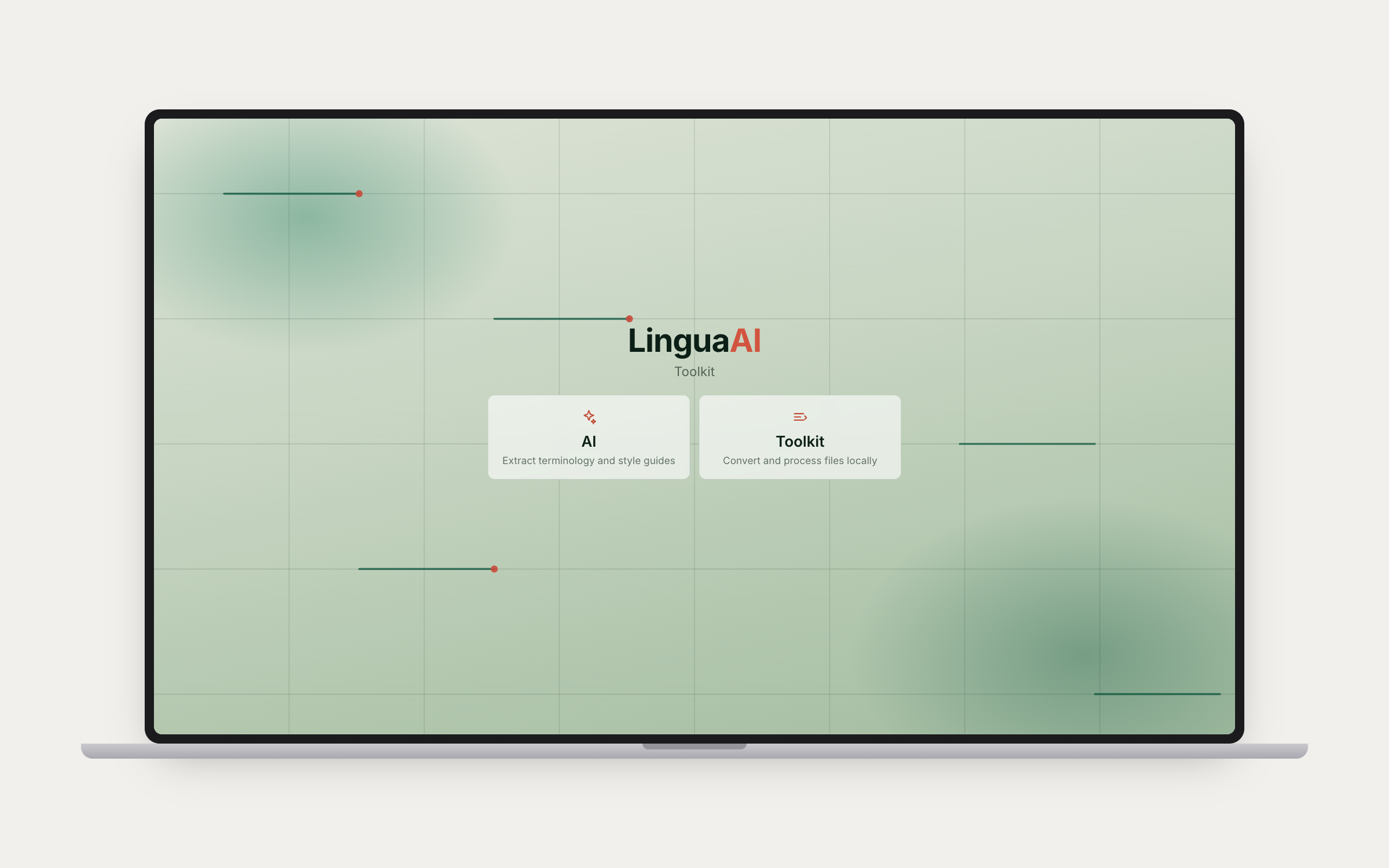
LinguaAI Terminology, where the Trados package mode unpacks a .sdlppx

02 — Translate

Work on the SDLXLIFF itself.

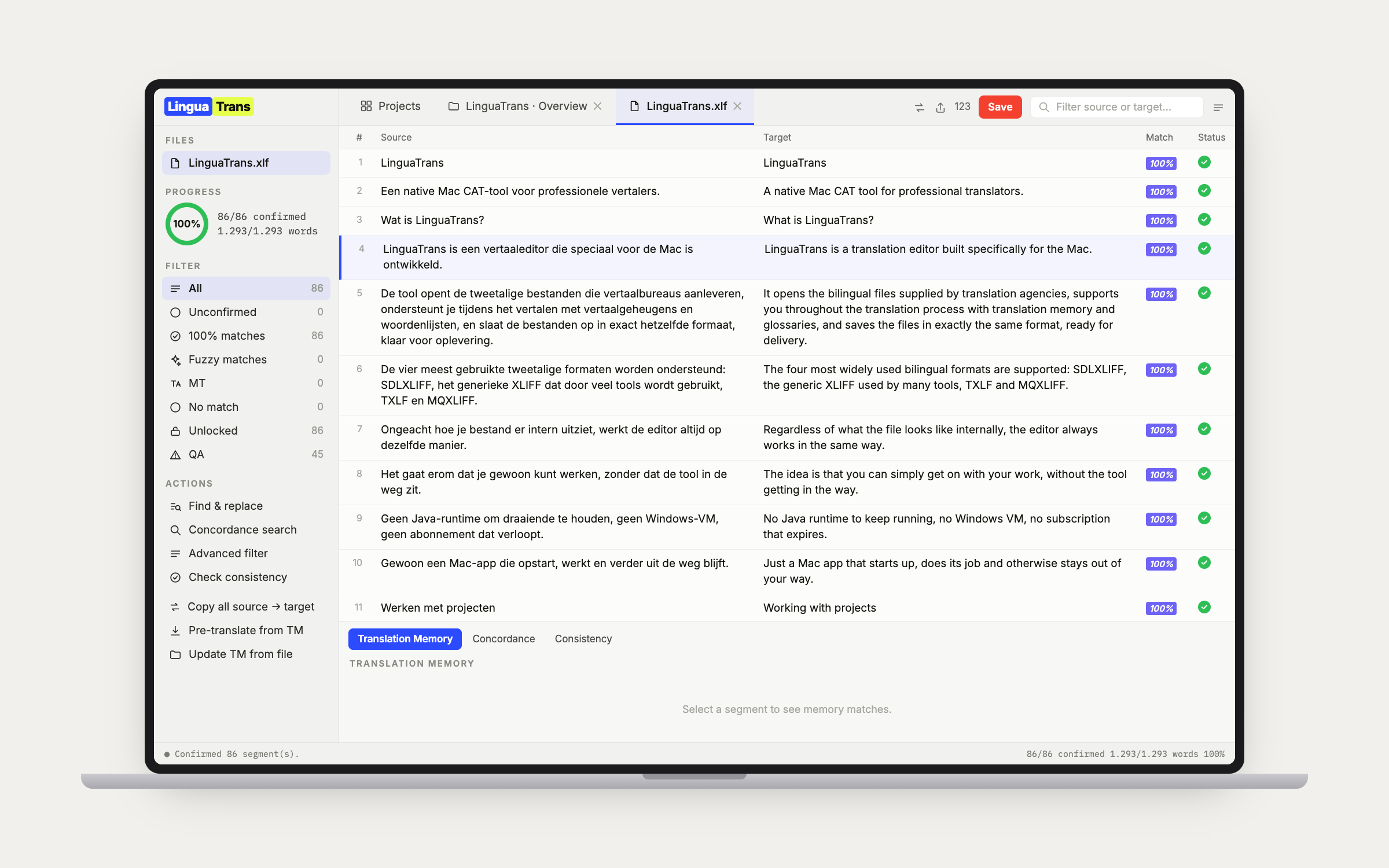
Open the extracted files in LinguaTrans. It edits SDLXLIFF directly rather than converting it into some other format and back again, so the inline tags, the segment structure and the locked segments stay exactly as Trados wrote them. Load the TMX from step one as the project memory, import the termbase as a glossary, and work through it keyboard-first. Thirteen QA checks run live in the sidebar and collect into a report you can export before you deliver.

The LinguaTrans editor working on an SDLXLIFF extracted from a Trados package
03

Repack and send it back.

Back in Terminology, repack. It builds the .sdlrpx the way Studio builds one, which means the project file and your translated SDLXLIFF and nothing else: the memories, the termbase and the reports stay out, because a return package is a delivery rather than the whole project going backwards. The project file and every byte of the SDLXLIFF you did not touch go back exactly as they came. Your client opens it in Studio the way they open any return package.

Why this matters now

Rosetta 2 is going away.

Apple is retiring Rosetta 2, the translation layer that lets Intel software run on Apple silicon. Anything on your Mac still shipping Intel-only stops working when it goes. LinguaTrans and Terminology are Swift, built for Apple silicon, so this route is not waiting on that clock.

IN.sdlppx
EDITSDLXLIFF.
OUT.sdlrpx

Straight answers

What this is not.

01

Not a Trados clone. It opens the files and hands them back whole; it does not reproduce Studio's project automation, AutoSuggest dictionaries or server workflows.

02

Not a converter. The SDLXLIFF is never turned into another format and back, which is where tags usually break.

03

Not a subscription, and not a cloud service. Both apps are one-time purchases that run on your Mac.

The same route works for memoQ (.mqxlz) and Wordfast Pro (.glp) packages.

Two apps, one round trip.

Terminology takes the package apart and puts it back together. LinguaTrans does the translating in between.