12
The memory library.
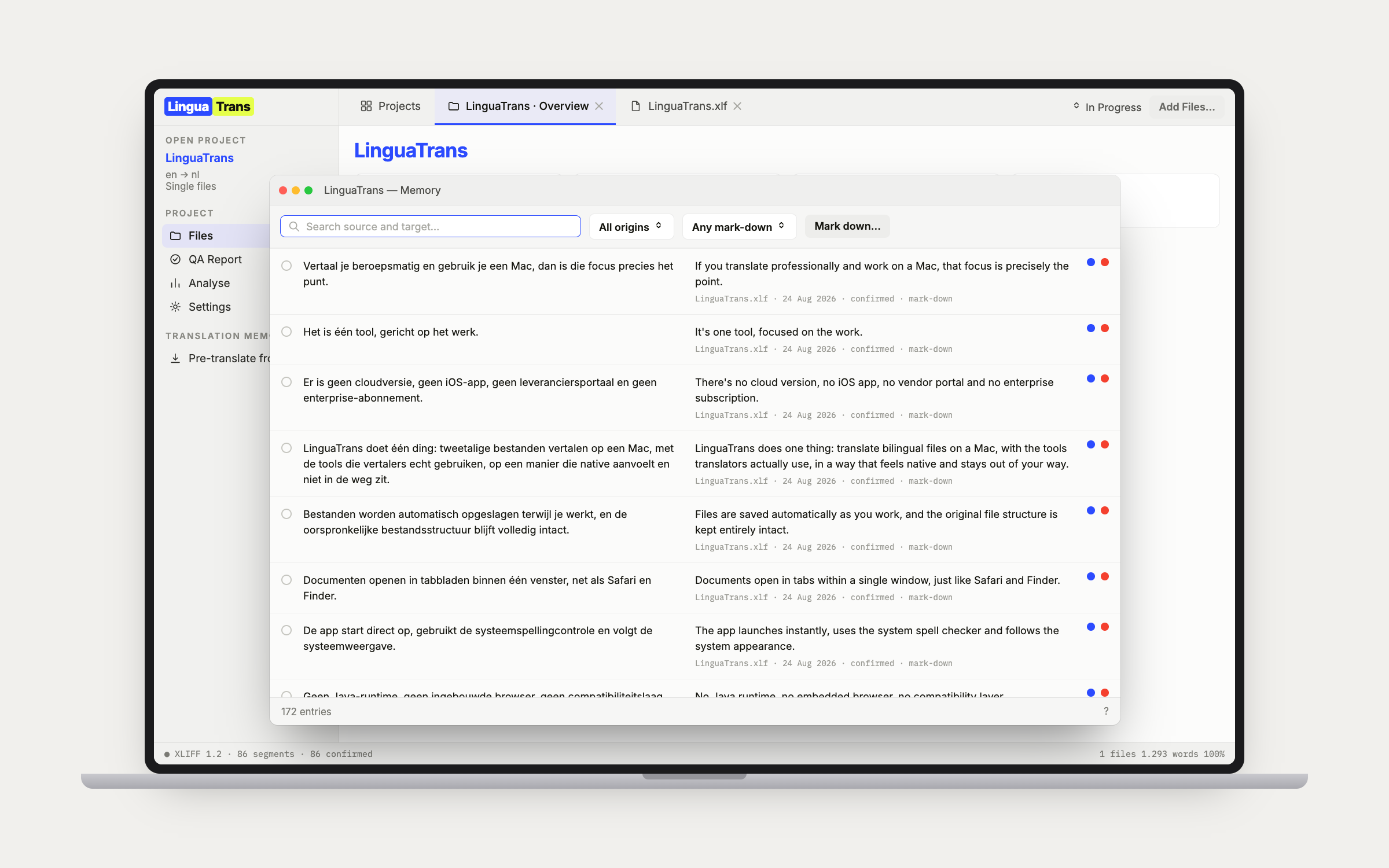
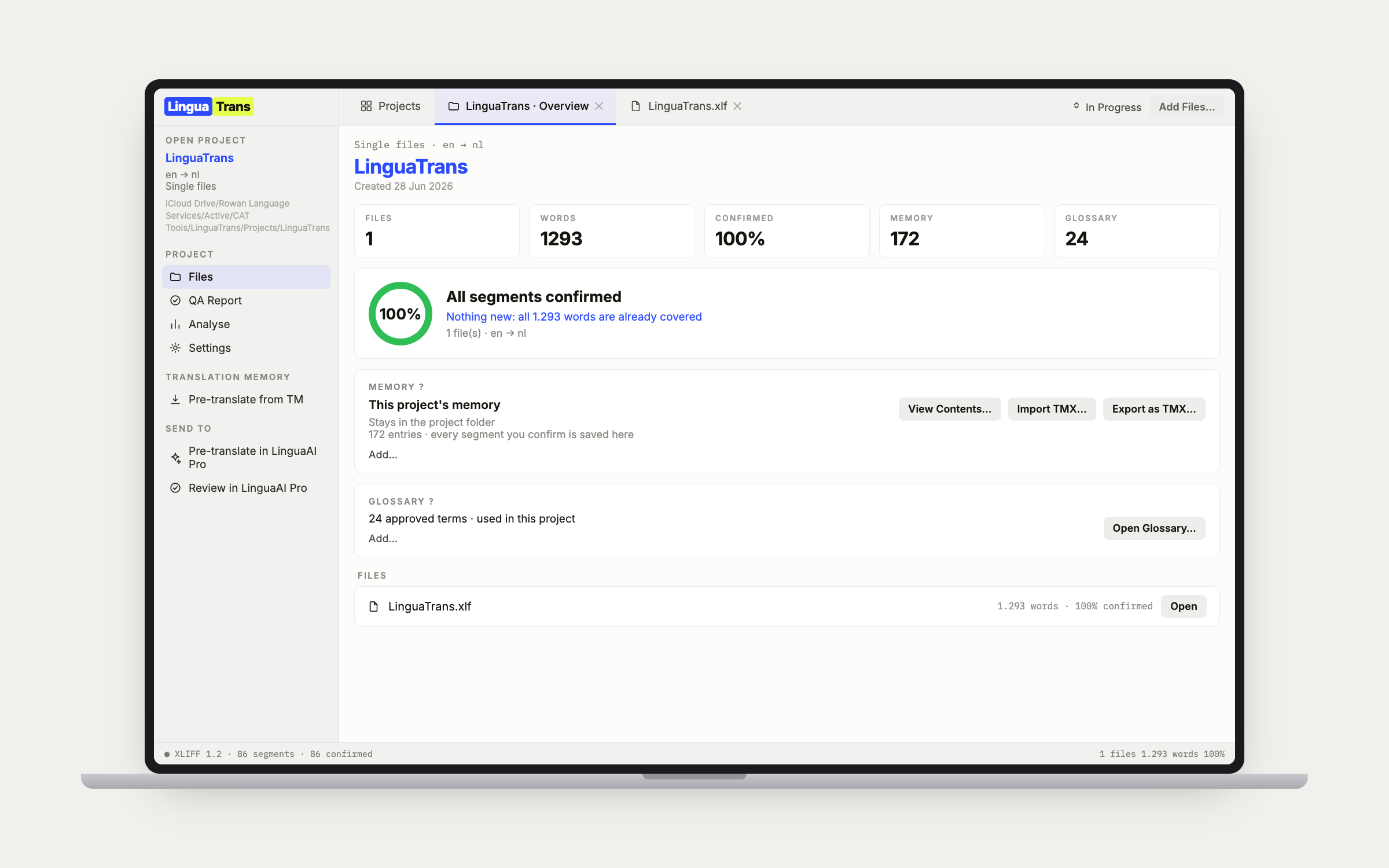
One memory per project is fine for a one-off. It stops being fine when a client keeps coming back, because ten jobs quietly leave ten memories that each know a tenth of the work. Library memories live outside any single project, filed under the client they belong to, so every job for that client draws on the same ones. As many per client as the work needs, ranked, each with its own mark-down for a memory you only half trust. Order decides where matches come from, Primary decides where your confirmed segments are written, and changing one never moves the other. Every entry records the project it was first confirmed in and the one it was last confirmed in, which a later job never overwrites, so an export whose file name is the same on every job can still be told apart. Copy to Memory, in View Contents, lifts the ticked entries or everything the filters show into another memory, so filtering to one project hands a client a memory of exactly their job and nothing else. Memories take a TMX or a bilingual file someone else translated as a new memory or poured into an existing one, at a mark-down you pick, and a merge leaves out whatever the memory already holds and tells you how many, so a client TMX merged again every job stops doubling the memory.
13
Client glossaries.
A glossary can sit in the project or in the library under its client, ranked exactly the way memories are, on purpose: one idea to learn rather than two. Fold the new termbase every job arrives with into the one you already have, and see precisely what would change before anything is touched. Nothing is ever removed by a merge, so a client sending a shorter list never deletes the terms they left out. Merge a File into This Glossary pours an updated termbase in, and Merge Another Glossary into This One folds two of a client's lists together and retires the one it absorbed, with a copy kept. CSV and tab-delimited TXT come in as Toolkit writes them, commas or semicolons, UTF-8, UTF-16 or Latin-1, including the per-term status column, so a term the client's termbase marks rejected arrives rejected.
14
Character limits and subtitles.
Switch on the Chars column, set the maximum for the job, and every target shows its length against it and turns red when it goes over. Whole-segment, or per line, which is how subtitle limits actually work. Tags never count toward the number. Shift+Return adds a line break as its own chip, so you can reflow a target into as many lines as it needs whatever the source did. Subtitle files arrive as .srt converted by LinguaAI Toolkit, in-cue line breaks intact.
15
Merge and split segments.
Badly segmented SDLXLIFF from an agency can be rejoined or broken apart without leaving the editor. Both operations follow Trados's own structural recipe, validated open, save, and reopen in Trados Studio, and the grid shows the merge gap in the segment-number column exactly the way Trados displays it.
16
Locks that travel.
Lock or Unlock Segment, from the Edit menu, the right-click menu or ⌃⌥L, writes the lock into the file the way the client's own tool writes it, so the padlock is there when the file goes back. The text and the status stay exactly as they were. Lock Empty Segments does the whole file after one dialog with the count, so blanks meant to stay blank are delivered untouched. Your own locks come off with Unlock and no questions asked. Unlock Segments You Locked is the way back from a bulk lock: every lock made in LinguaTrans comes off after one count, and the client's locks are left where they are. A lock the file arrived with belongs to the client, so unlocking it asks first and offers a session-only unlock that leaves the file alone.
17
Review in Word.
For the reviewer who owns Word and nothing else. Export for Review in Word writes the open file as a table — number, source, target, tags as {1} placeholders, locked rows greyed — and they edit the Target column with Track Changes on or off, whichever they prefer. Import Reviewed Word File brings that column back, and every changed row lands as an unconfirmed draft carrying a Reviewer's version flag for you to accept or reject in the Review tab. Rows the app would have to guess at are refused rather than imported wrong: a mangled placeholder, moved tags, an edited source, a locked row. It lists them by number so you can go and look.
18
Client rules.
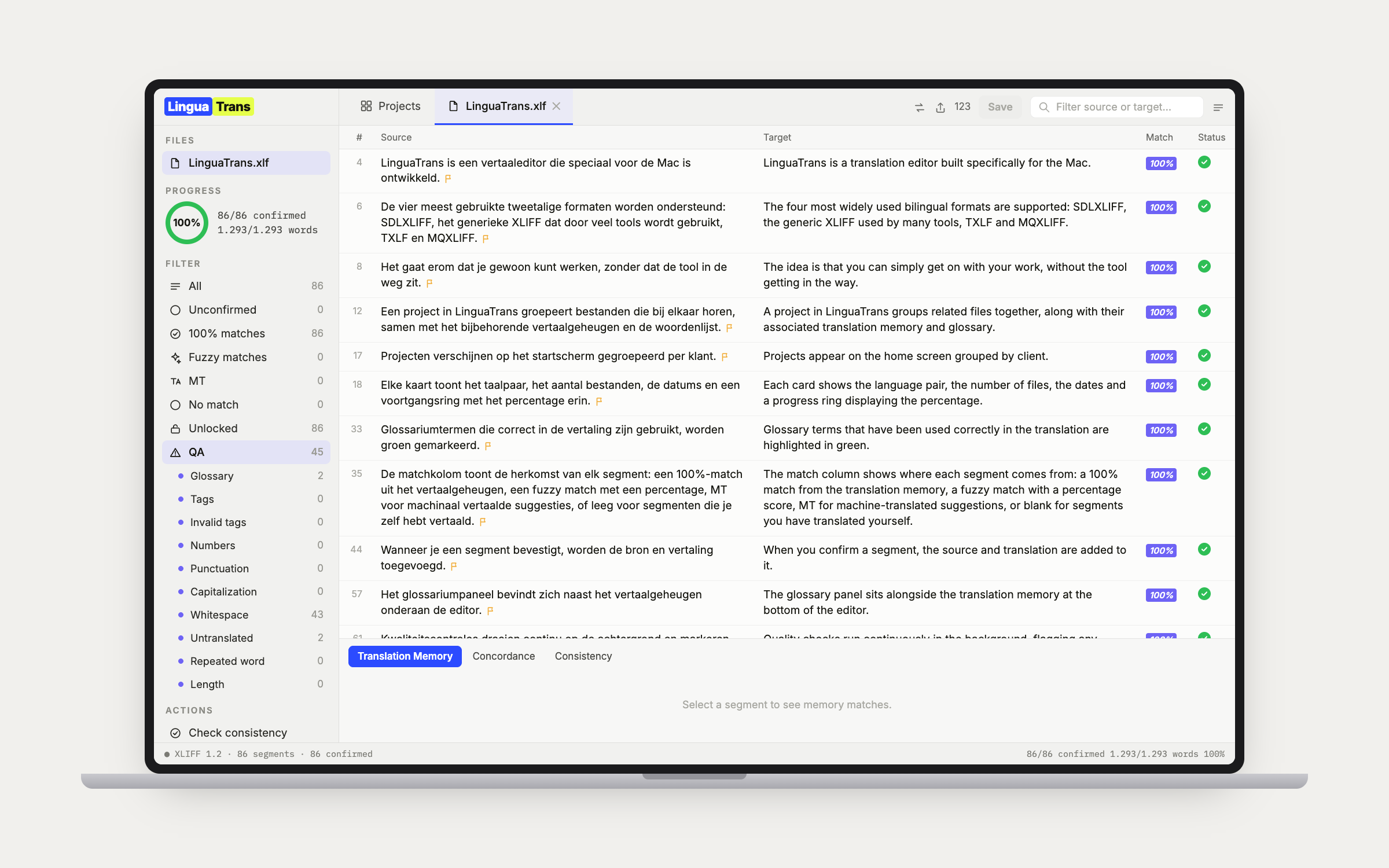
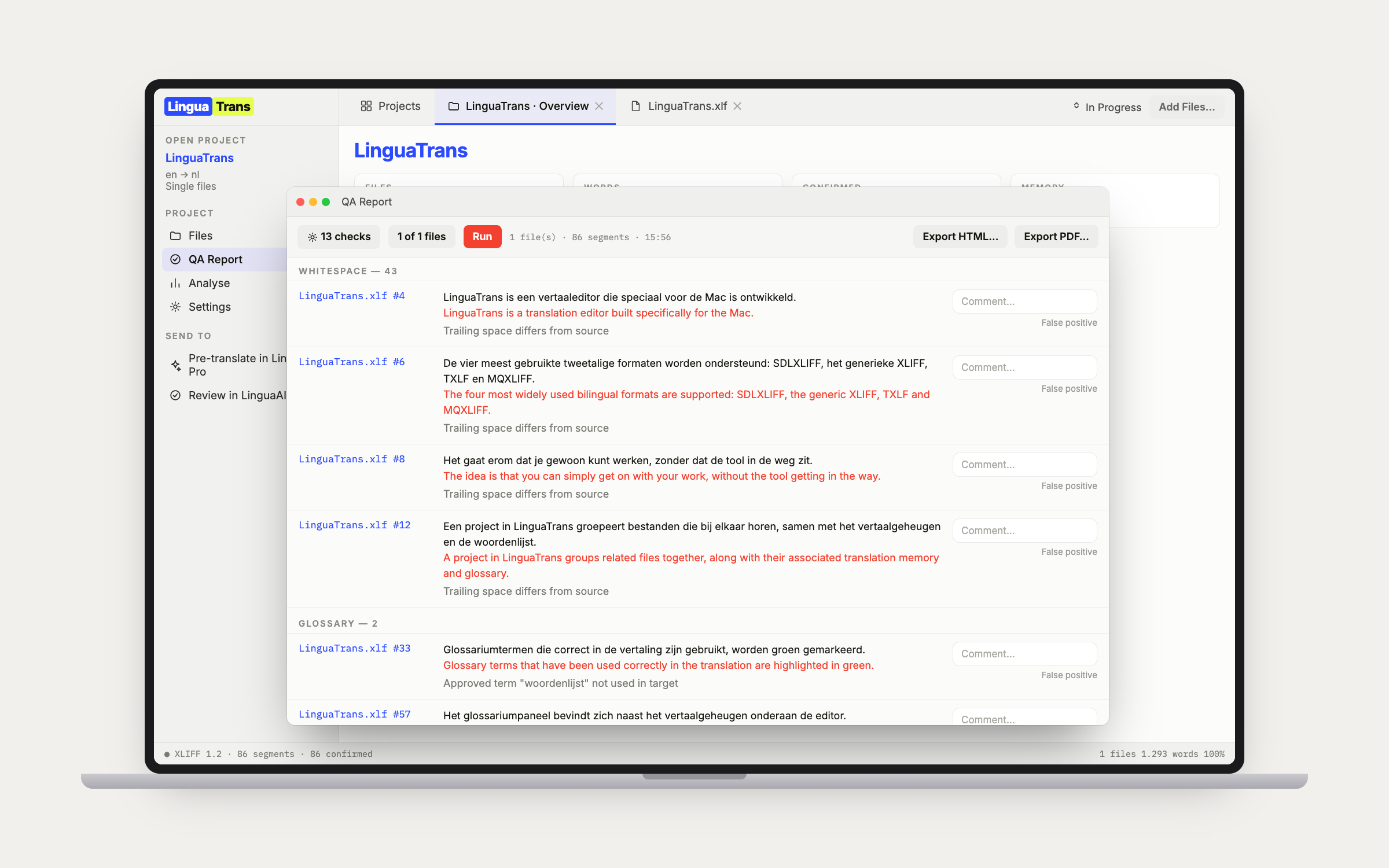
A client's do's and don'ts as regular expressions, saved with the project. Each rule has a name, a target pattern, a Forbidden or Required verdict, and an optional source pattern that narrows it to the segments it should apply to. The sheet counts, live as you type the pattern, how many segments the rule would flag, so you find out it is too greedy before you save it rather than after. Flags land in their own sidebar bucket and their own section of the QA report, and a job started from a previous one inherits the rules the way it inherits the memories and glossaries.
19
Reading on iPad.
A pretranslation is far easier to judge when you read it the way it is meant to be read, as continuous prose, away from the desk. LinguaReview, the reading companion for iPhone, iPad and Mac, opens the same bilingual files, lays the translation out like a book, and lets you flag a sentence and leave a note. It never writes the file. Flags travel both ways over iCloud: Claude's questions and your own notes made on the Mac appear on the iPad within moments, and resolving one there brings it back resolved. The Mac merges per flag rather than replacing its whole set, so a flag added on the iPad no longer wipes notes only the Mac had, and flags can be removed now, one at a time or in bulk. The Review tab says whether it synced both ways or exactly why not, with an arrow to force it, and a sidecar export is still there for handing them over as a file. Either way every flag arrives as its own bucket, ready to work through.
20
Project notes.
A scratchpad per project, from Notes on the project page: why the 100% matches were changed, what the client answered, the things that otherwise live in your head until the next job for them. It is one plain text file, Notes.txt, sitting in the project folder, so it moves with the project, opens on another Mac, survives a reinstall and reads in any editor. It saves itself. It never leaves the folder, so it is not in a delivered file, a return package or a report. Claude can read the same notes, add to them and edit them, and what it writes is headed with its name and the date.
21
The Admin link.
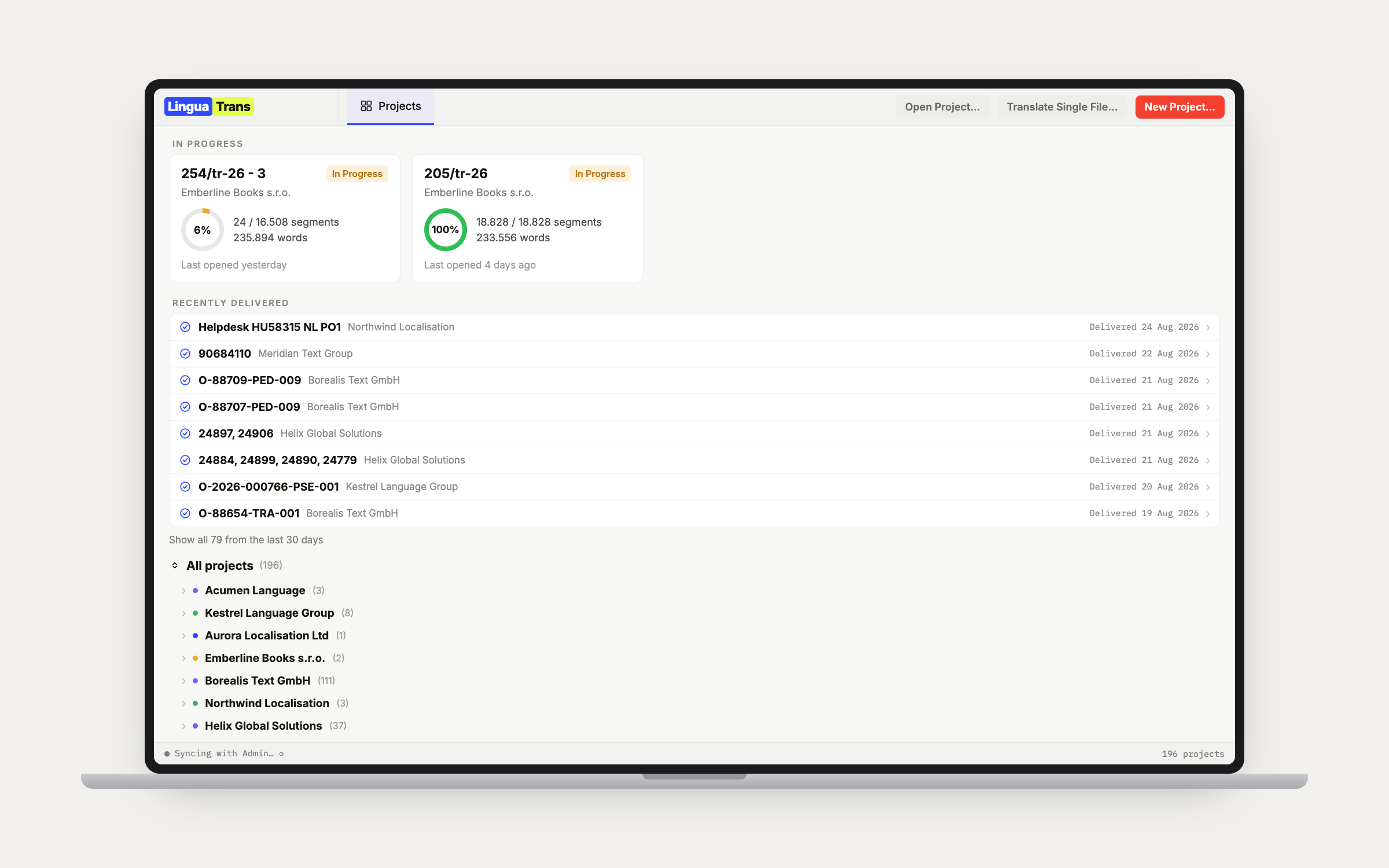
Optional, off by default. Switch it on and a project ties to the job it bills to: its value, status, and deadline on the project overview and the Home card, and client names drawn from your LinguaAI Admin list instead of free-typed. Mark a job In Progress or Delivered from LinguaTrans and it syncs back through Admin's own status logic, so the delivery date, activity log, and calendar all update as if you had done it there. A project can be tied to its Admin job as you create it, picked from a list of your clients rather than every job at once, and once a PO has matched, the link follows that job: renaming the PO in Admin renames it here instead of breaking the link. The money statuses stay Admin's alone.
22
The LinguaAI suite.
File handoff between LinguaAI Toolkit (convert .docx, .pptx, .xlsx, .srt and .xml to XLIFF and back, plus unpack and repack Trados, memoQ and Wordfast packages), LinguaTrans (the bilingual editor), and LinguaAI Pro (AI pre-translate and review). Single-click handoffs in both directions, and the file always comes back whole. No shared databases and no hidden state between apps: the file is the contract. See the suite → Trados packages on a Mac →
23
Mac-native throughout.
Swift and AppKit, built for macOS 26, with Liquid Glass on the chrome and the dense work surfaces left flat and legible, because glass behind text you stare at all day costs readability. A real Apple Help Book in the Help menu. Quick Look a bilingual file in Finder without opening the app. Help, Ask a Question opens a help desk that answers in your own words and your own language, read out of the manual rather than guessed at, and the Help Book ends with a troubleshooting chapter written symptom first from real cases. Native spell check, grammar, and Look Up in the target, with smart quotes, autocorrect, and predictive completion deliberately switched off: a translation is a precise rendering of a source, not a draft the system should improve.
LinguaTrans has no AI of its own, and your projects, memories and glossaries are plain files in folders you own. Nothing leaves your Mac unless you switch something on: the optional Admin link, or the Claude Desktop connection.