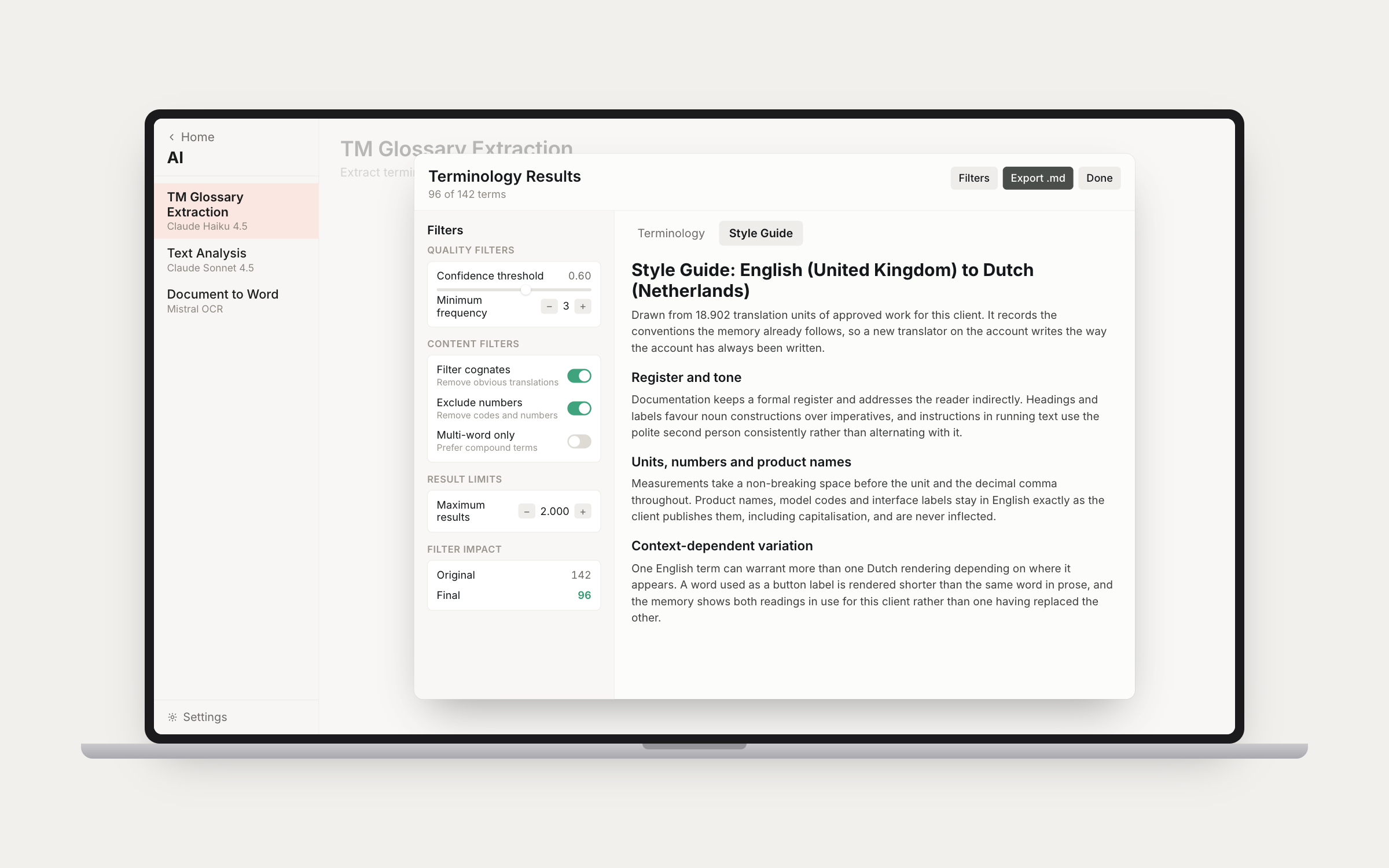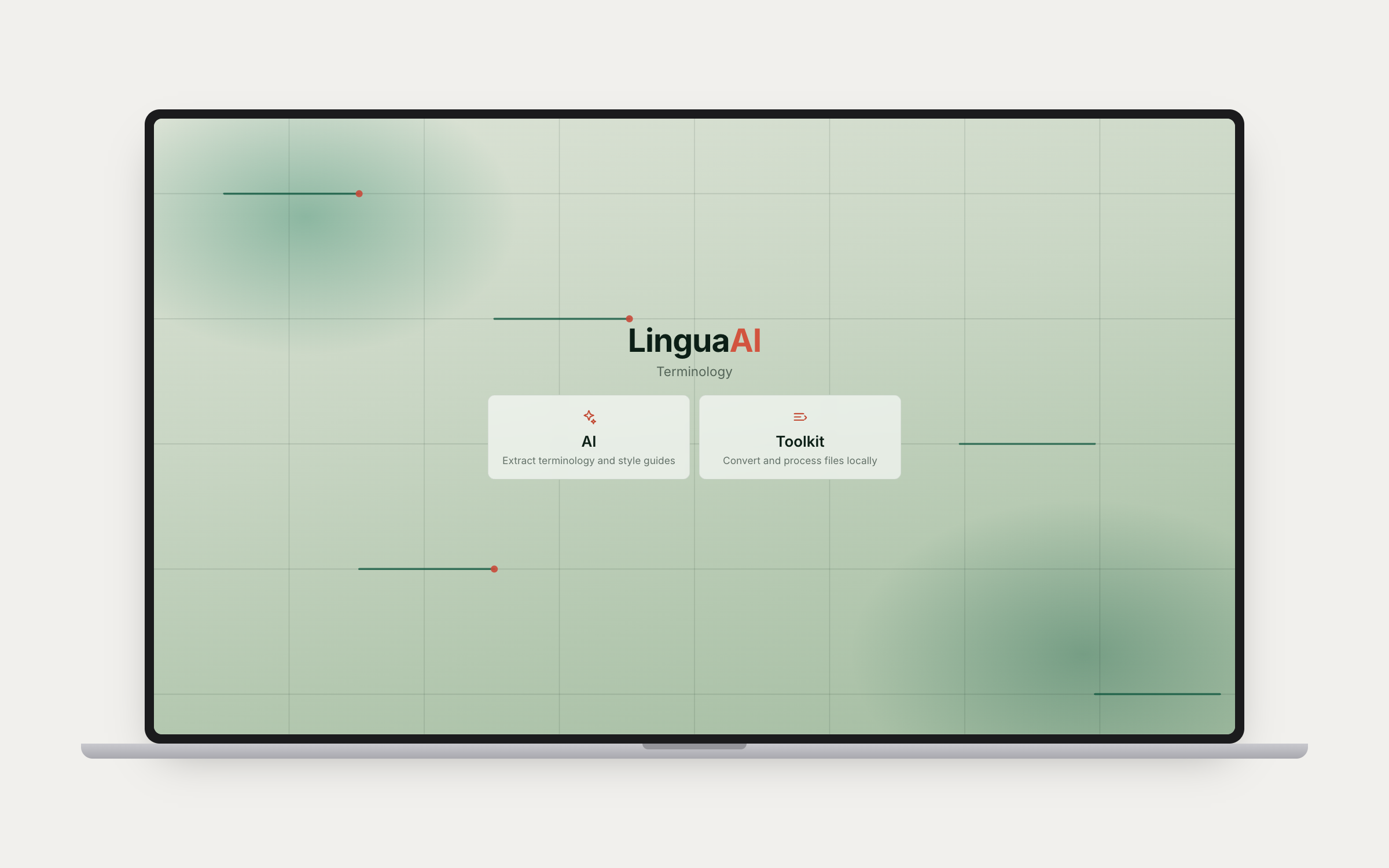
Terminology Home Screen

Two Modes

AI-powered extraction tools and a local-processing toolkit, accessible from a unified home screen. The AI side handles terminology extraction, text analysis, and document conversion. The Toolkit side handles file format conversions entirely on your Mac. No API calls, no uploads, no external processing.

AI Tools

TM Glossary Extraction

TM Glossary Extraction & Text Analysis

Extract terminology and style guides from translation memories or source documents using AI. Feed in a TM file or a source document, and the AI identifies key terms with translations, definitions, and context. Both tools support glossary extraction and style guide extraction modes. Switch between them depending on what you need from your source material.

Document to Word Conversion

Document to Word

Convert PDFs and scanned images to editable Word documents for translation using Mistral's OCR technology. Handles complex layouts, tables, and multi-column documents. The output preserves structure so you can import directly into your CAT tool without reformatting.

Toolkit

TM to TMX and Termbase Conversion

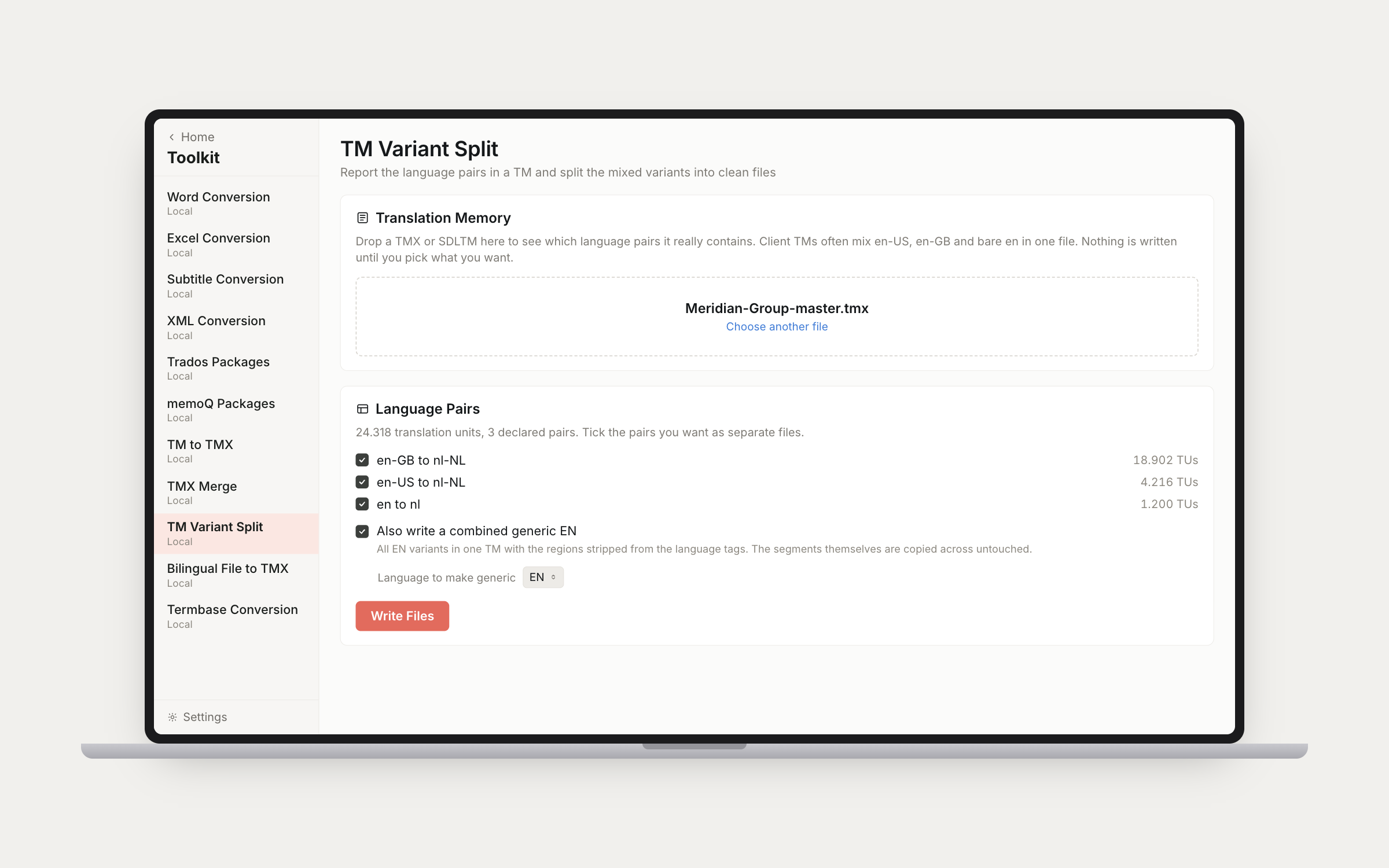
TM to TMX · TMX Merge · Termbase Conversion

Convert Trados SDLTM files to standard TMX format, merge multiple TMX files into a single consolidated file, and convert TBX and SDLTB termbases to Excel for easy editing and sharing. All processing happens locally on your Mac. Nothing leaves your machine.

Trados Packages and XML Conversion

Trados Packages · XML Conversion

Unpack and repack Trados project packages without needing Trados installed. Convert XML translation files to XLIFF and back. Essential tools for freelance translators working with multiple agencies and file formats. All processed locally on your Mac.

All AI processing uses your own API keys. Files are processed locally where possible, and API keys are stored securely in your Mac's Keychain. No data collection, no intermediary servers.